FIT CHECK · BY OT CASE · · UPDATED
How to check your iPhone model before buying a case
A quick model-name check helps you choose the right camera opening and case size.
THE SHORT ANSWER
Read the complete Model Name in Settings → General → About, then choose that exact listed model. Pro, Pro Max and Plus are separate selections. If yours is missing, do not substitute a similar name.
Three designs to look at first
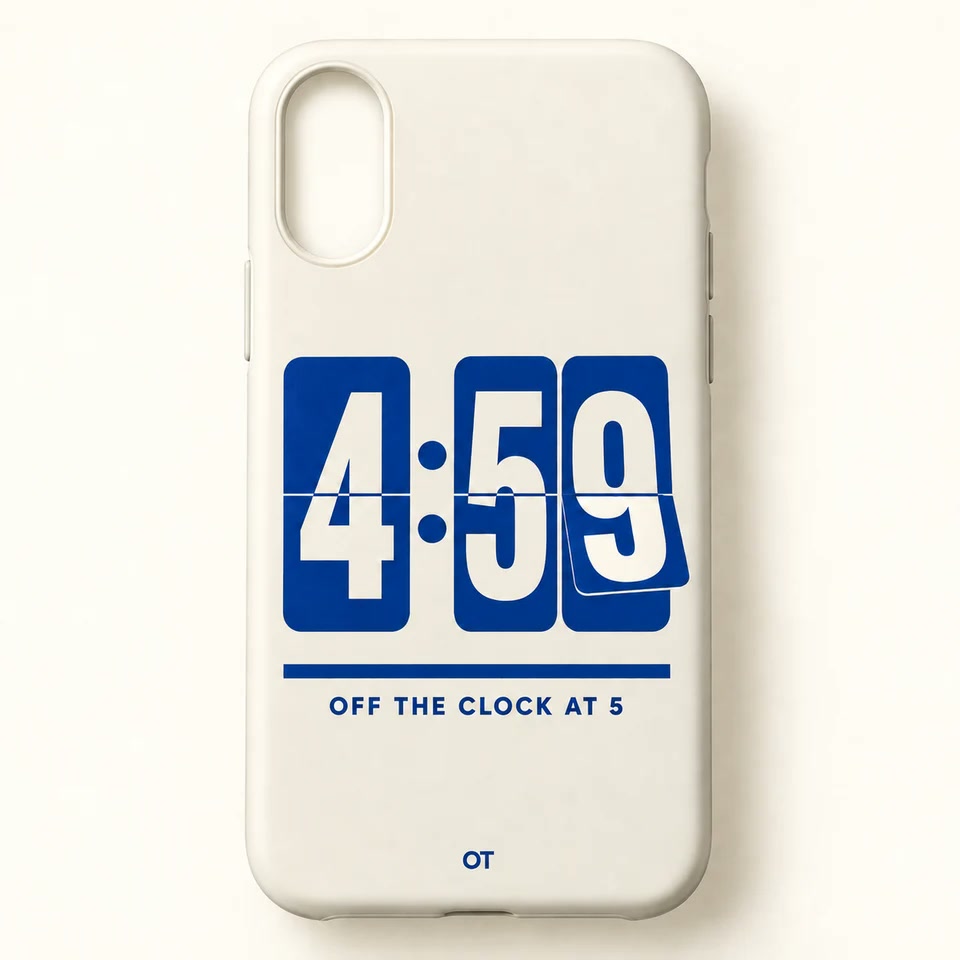
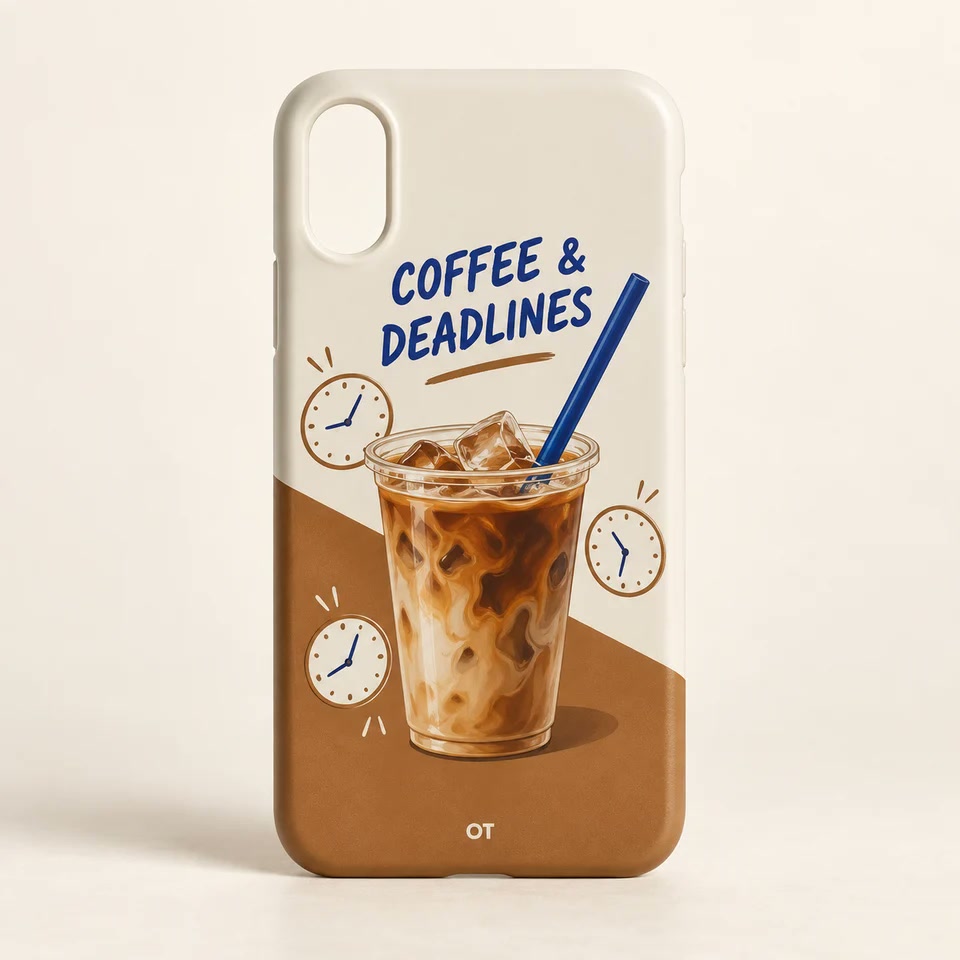
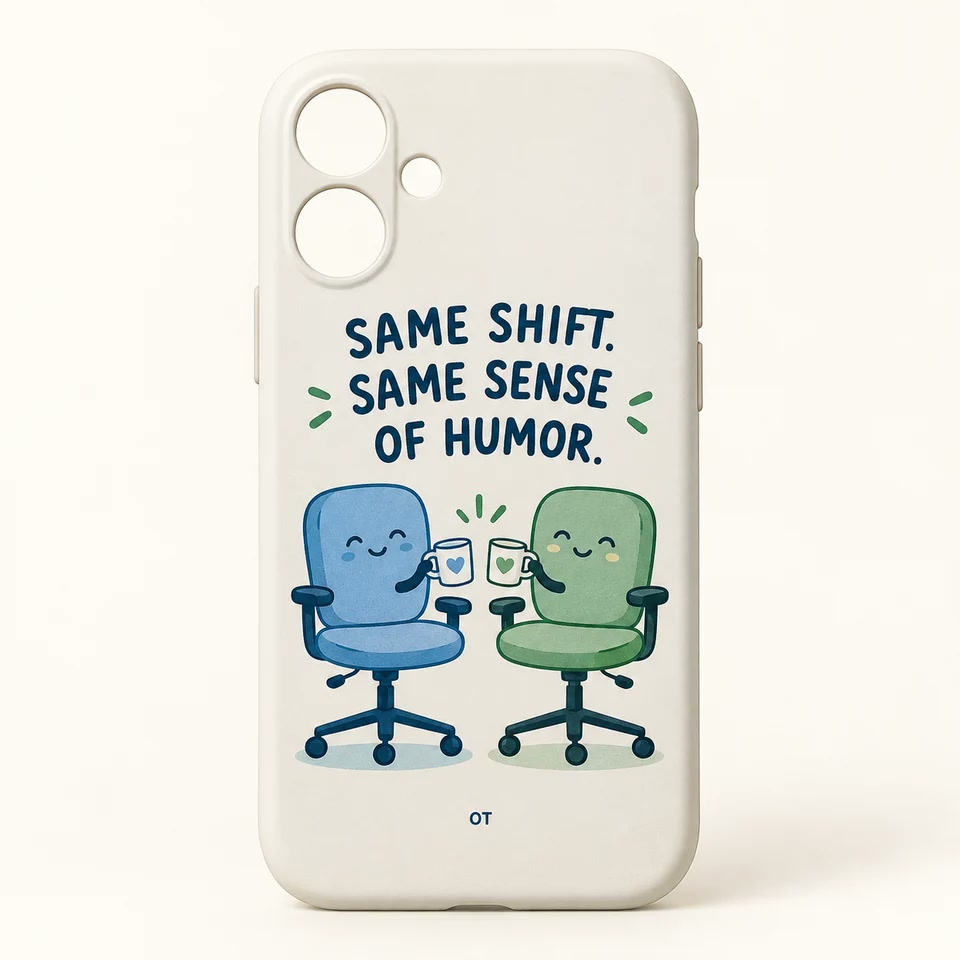
Read the full model name.
On your iPhone, open Settings, select General, then About. Look for Model Name and read the full name, including Pro, Pro Max, Plus or mini when present. Apple also documents how to identify your device in its official iPhone model guide.
Choose that exact option.
On an OT Case product page, use the phone-model selector. Do not choose the closest-looking name if yours is missing. Contact customer care so we can check the supported options.
How to read the design image
Our product images are design mockups. The final camera opening and print placement are adapted to the model you select. Paper receipts, flowers and other illustrated objects are printed design elements, not separate attached accessories.
Check once more in the bag.
Your shopping bag shows a model next to every design. Review each line, especially when buying gifts for people with different phones. Every design is $19.90.
Current OT Case model options
The current catalog offers these 18 model names. Each product page shows which listed options are available to order; the selector takes priority over guessing from the representative photo.
- iPhone 17 Pro Max
- iPhone 17 Pro
- iPhone 17
- iPhone 16 Pro Max
- iPhone 16 Pro
- iPhone 16 Plus
- iPhone 16
- iPhone 15 Pro Max
- iPhone 15 Pro
- iPhone 15 Plus
- iPhone 15
- iPhone 14 Pro Max
- iPhone 14 Pro
- iPhone 14 Plus
- iPhone 14
- iPhone 13 Pro Max
- iPhone 13 Pro
- iPhone 13
This list does not include Android phones, mini variants, iPhone Air or iPhone 18 models. A device appearing in Apple's model guide does not mean it is sold by OT Case. If you do not see the complete name of your device above, ask customer care before placing an order.
Common mistakes that a full-name check avoids
- Dropping the suffix: iPhone 16, iPhone 16 Plus, iPhone 16 Pro and iPhone 16 Pro Max are distinct selections.
- Choosing by screen size: similar-looking phones can have different camera openings or dimensions.
- Reusing the first gift selection: two people may need different fits even when they choose the same printed design.
- Using a photo as a fit chart: product images illustrate the artwork on a representative case, not every camera configuration.
Buying more than one case
Select the first exact model and add that case to the bag. Then choose the next design or model and add it separately. Review every line before checkout: product name, phone model and quantity. If you follow a product link back from the bag, check the selected model again before changing the design.
You can use the same print for two different listed phones. That creates a shared joke while each case is made for its own selected fit. Our order guide explains the bag and guest-checkout steps.
What to do if you selected the wrong model
Contact customer care as soon as possible using your checkout email, order number if available, and the correct complete model name. Changes cannot be guaranteed after fulfillment begins. If the case has already arrived, ask about the one-time exchange service within 30 days after delivery and wait for instructions before sending it back.
Found your kind of workday?
Every case is $19.90. Choose the exact listed phone model; no account is needed to order.
Find my three picks ↗